
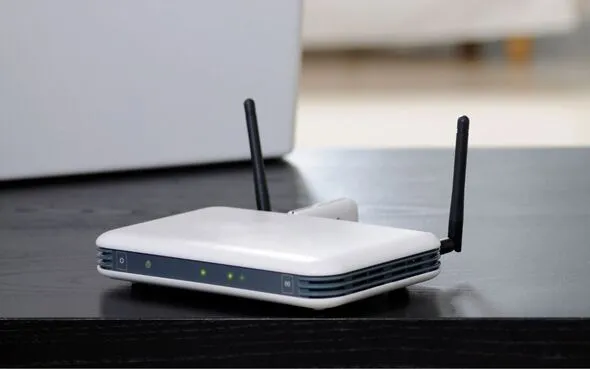
Placing your WiFi router in the right spot dramatically extends its signal throughout your home, including hard-to-reach areas like attics, sunrooms, and gardens. Poor placement often causes slow speeds and dead zones, prompting unnecessary upgrades to pricier plans. Experts recommend checking router position first to maximize performance.
Key Household Items That Block WiFi Signals
Certain everyday objects interfere with WiFi by absorbing, reflecting, or disrupting the signal on the same frequencies. Moving the router away from these five common culprits improves coverage instantly:
- Microwaves: These appliances emit interference during operation, weakening nearby signals.
- Televisions and Fridges: Large electronics with metal casings block and absorb WiFi waves.
- Cordless Phones: They operate on overlapping frequencies, causing dropouts.
- Baby Monitors and Bluetooth Devices: Similar frequency use leads to constant disruptions.
- Mirrors and Fish Tanks: Reflective surfaces and water distort signals unpredictably.
Optimal Router Placement Strategies
Sam Jenkinson, a garden room expert at Tiger Modular, advises: “Position your WiFi router centrally, elevated, and in open space. Treat WiFi like light from a lamp—the more unobstructed, the better it spreads.”
Avoid thick walls and metal surfaces too. Jenkinson adds: “If your router is outdated, it struggles to reach distant areas like gardens. Upgrade to a modern model for stronger coverage and speeds.”
Enhancing Coverage Further
WiFi extenders rebroadcast signals for moderate distances, while mesh systems create a seamless network across larger homes and outdoor spaces. Jenkinson notes: “Extenders and mesh work best with a solid base signal. Thick walls or extreme distances may still cause issues, so prioritize clear placement.”