
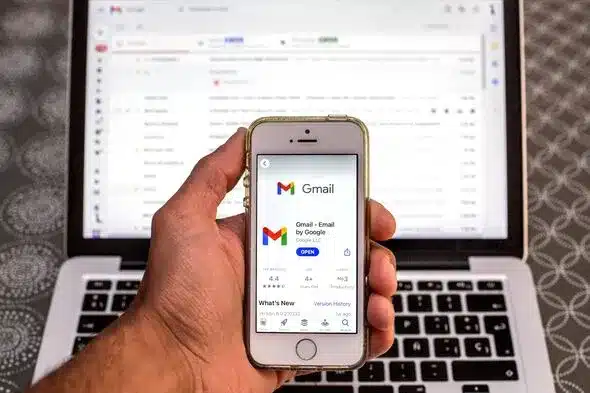
Online purchases and account sign-ups often prompt users to opt into marketing emails for deals and updates. Overlooking these options leads to inboxes flooded with unwanted messages that go unread.
Unsubscribing traditionally requires opening emails, hunting for links, and navigating company websites. Gmail offers a faster solution: unsubscribe from mailing lists in three clicks without leaving the inbox.
Step-by-Step Guide to Gmail’s Unsubscribe Feature
This desktop-only trick works in web browsers, not mobile apps. Start by accessing Gmail, where the URL ends in #inbox.
- Delete
#inboxand replace it with#sub, then press Enter. - A dedicated screen lists all active subscriptions with an “Unsubscribe” button next to each.
- Click “Unsubscribe” and confirm to remove yourself instantly from the list.
Courtney Mangan praised the method, saying, “Without a drop of exaggeration, that is actually life-changing.” In her shared post, she added, “Where has this email hack been all my life?”
User Feedback and Alternatives
Reactions highlight its impact. One user exclaimed, “I need this!” Another shared, “Where were you all my life? Love this!” A tester confirmed, “Oh my god, that actually worked. Wow. Thank you!”
Outlook users access a similar “Subscriptions” section in settings. Gmail app users find “Manage subscriptions” under settings for comparable results.